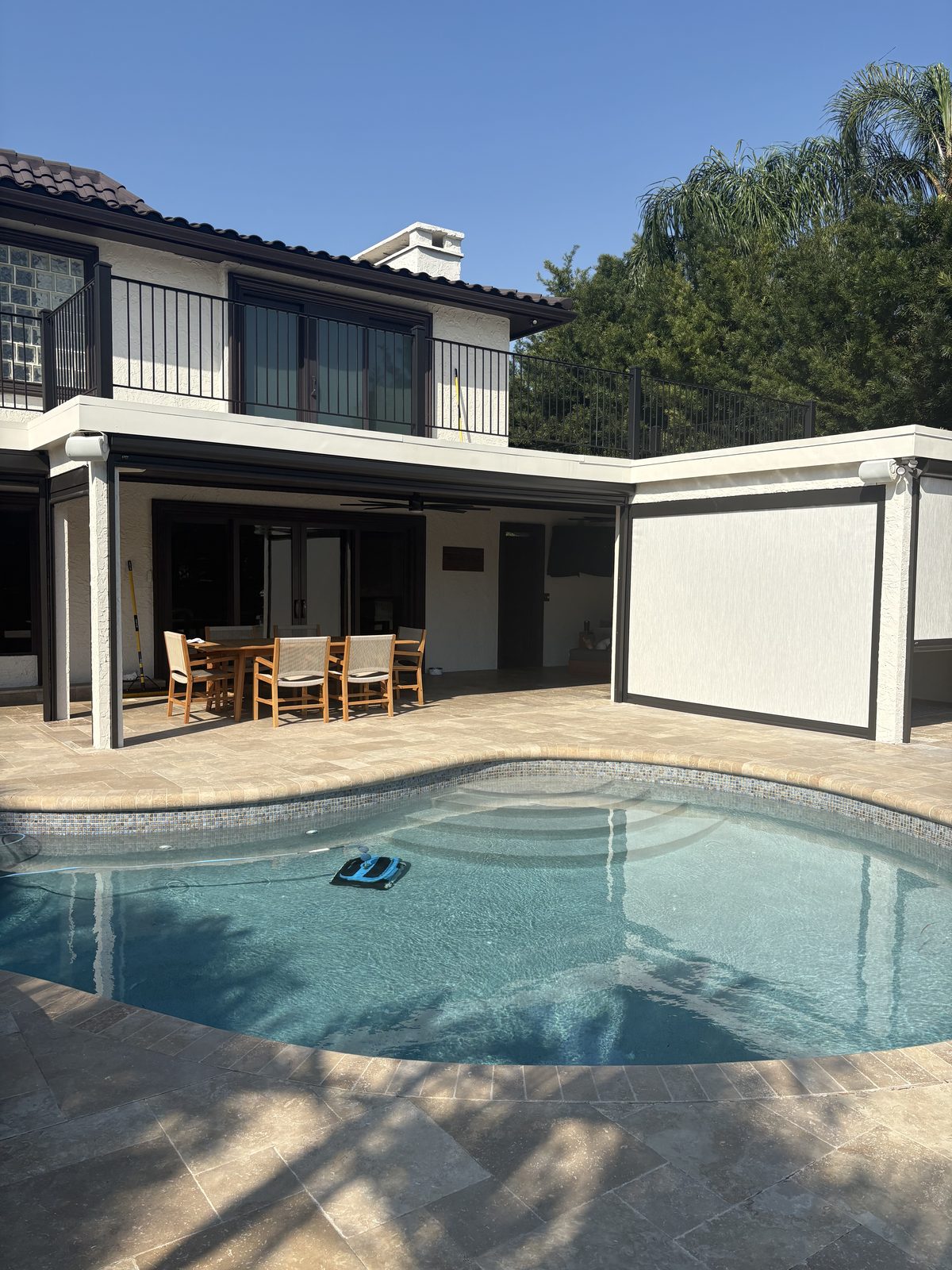
A Tampa Bay smart home should have a clear storm mode before the forecast cone appears, not stay in everyday programming.
By LogiBuilt · October 6, 2026 · 6 min read
Leaving a smart home as normal before hurricane season is the easy choice, but it is rarely the best choice in Tampa Bay. Normal programming assumes grid power, internet, air conditioning, and daily routines are all steady. Storm weeks do not behave that way here, especially when humidity climbs and afternoon weather turns fast. We prefer to define a simple storm mode before the forecast cone makes every decision feel rushed.
A good storm mode is not dramatic or complicated. It tells thermostats, selected lights, alerts, network gear, and other connected parts of the home how to behave when conditions change. It also makes clear which automations should pause so they do not fight the house during an outage or evacuation. The goal is a home that acts predictably when the weather does not.
Everyday smart home programming is built around comfort, convenience, and routine. Lights follow normal schedules, climate settings follow occupancy, and scenes are usually designed for how the family lives on a normal week. That works well when Tampa Bay is just hot and busy. It is not enough when a storm threatens power, internet service, and indoor air control.
Before hurricane season, we want to know what the house should do before conditions deteriorate. Pre-cooling can be part of that plan because outages can interrupt air conditioning. Maintaining minimum temperatures can also help reduce humidity problems while the home is under stress. Those decisions should be made calmly, not while someone is packing patio furniture under a dark sky.
We also look for automations that are harmless in daily life but awkward during storm prep. A schedule that turns equipment off at the usual time may not match what the home needs before an outage. An occupancy routine may not understand that the family left early or that someone is staying with relatives. Storm mode gives the system a clearer set of priorities.
In Florida, comfort is not only about temperature. Humidity is often the bigger issue once air conditioning and filtration are interrupted. Homeowners are advised to reduce excess indoor humidity before a storm when possible because outages can stop the systems that normally manage the air. That advice matters in homes near the bay, homes under heavy oak shade, and homes that stay closed up for long stretches.
We see the same pattern across Tampa Bay homes every season. The house may feel fine while the power is on, then the indoor air gets heavy after the system has been down. Closets, media rooms, guest rooms, and enclosed spaces can feel different from the main living area. A smart home plan should respect those rooms instead of assuming one hallway reading tells the whole story.
Storm mode cannot remove the weather from the forecast. It can, however, help the home prepare before the outage starts. That may mean adjusting climate behavior ahead of time and avoiding comfort settings that are too relaxed when humidity is already high. It may also mean giving the homeowner a simple scene or setting that is easy to activate before leaving the house.
Backup power conversations often begin with the wrong question. The first question should not be which power product to buy. It should be what truly needs to stay alive if the grid is down. Once that is clear, the choices around portable power stations, solar charging, or larger home backup systems become more practical.
For a smart home, essential does not mean every device in the house. It may mean the network equipment that keeps controls available when power is present. It may mean selected lighting, security related devices, or climate controls that matter most to the way the family rides out a storm. The answer changes from a waterfront home with salt exposure to an inland home with a shaded lanai and a different risk profile.
We are careful about this because overcomplicating the plan makes it harder to use. If everything is labeled essential, nothing is really prioritized. A good design separates must-have functions from nice-to-have comfort features. That is how the system stays understandable when the homeowner is tired, the weather is loud, and the normal routine is gone.
We start by walking the home the way it will actually be used before a storm. We look at where the family enters, where they gather, and which rooms are most sensitive to heat and humidity. We ask what usually happens with the lanai, pool cage, garage, and exterior doors when a storm is approaching. Those details shape the programming more than a generic smart home template ever could.
Florida humidity and salt air can corrode electrical panel components. Homeowners are commonly told to look for rust or green buildup around breakers. We do not treat that as a smart home programming detail, and we do not ignore it either. If we see something concerning, we want the right licensed electrical professional involved before anyone builds plans around that equipment.
We also pay attention to access and placement. Smart home hubs, network gear, and low voltage equipment should not be treated as afterthoughts in hot garages or damp corners. Tampa Bay homes often have sandy side yards, dense landscaping, and outdoor living areas that affect where wire, power, and controls are practical. A walkthrough lets us separate a clean idea from a plan that will be frustrating after the first serious storm week.
The best storm programming is easy to understand. A homeowner should know what to press, what changes, and what should be checked after the mode starts. If the system requires a long explanation during calm weather, it will feel worse during hurricane prep. We would rather build a clear set of actions than a clever set of tricks.
We also like controls that leave room for judgment. Some storm decisions should be manual because the family knows whether they are staying, leaving, or preparing for guests. Other behaviors can be programmed so the home follows a consistent plan when storm mode is selected. That balance keeps the system useful without making it feel like it is taking over.
After hurricane season, the same plan should still make sense. If the family changed routines, added equipment, or stopped using a scene, the programming should be adjusted. Smart homes are living systems, especially in Florida homes where outdoor spaces and seasonal habits matter. The value is not just having storm mode, but having one that still matches the house.
If you want your smart home ready before hurricane season, we can walk the property with you. We will look at outage behavior, humidity priorities, and essential power planning in person. The walkthrough is free. If the work is a fit, LogiBuilt work is warrantied for one year.
We do not recommend relying only on normal everyday programming. A planned storm mode gives the home clearer behavior for humidity, comfort, selected lighting, and essential functions before conditions become rushed.
Storm mode cannot control the weather or keep equipment running without power. It can help the home prepare before an outage by adjusting climate behavior and reducing excess indoor humidity when possible.
Usually, no. It is better to decide which functions are essential first, then consider options such as portable power stations, solar charging, or a larger home backup system.
We look at how the home is used, which rooms are most sensitive to heat and humidity, which automations should pause, and which devices should remain usable if backup power is available. We also watch for visible rust or green buildup around electrical areas that should be evaluated by the proper trade.
Try our free lighting visualizer, see your home transformed in about a minute. No upload needed.
Free consultation, honest quote. Most estimates come back within one business day.
or call (813) 696-3168